Analytics 4 WiFi Setup
- Login to the Analytics 4 WiFi dashboard
- Use the navigation panel to the left to select Network > Nodes
- Press Add Node
- Hotspot: Select your desired hotspot
- Node type: Ruckus
- Name: Enter your desired name
- MAC Address: Paste the MAC of your Ruckus AP
- Pres Submit
- Use the navigation panel to the left to select Network > Hotspots
- Press Edit for your desired hotspot
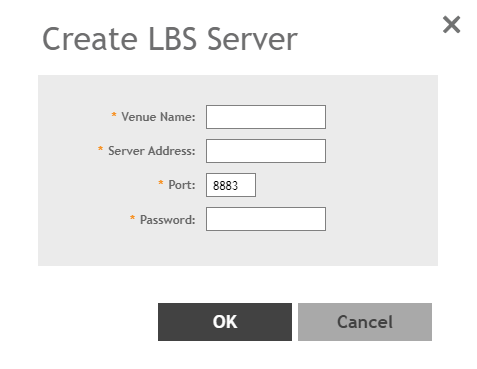
- Ruckus Venue Name: Enter your desired Ruckus Venue Name
- Ruckus Password: Enter your desired Ruckus Password
- Press Submit